Batch Convert EML to PST on Mac
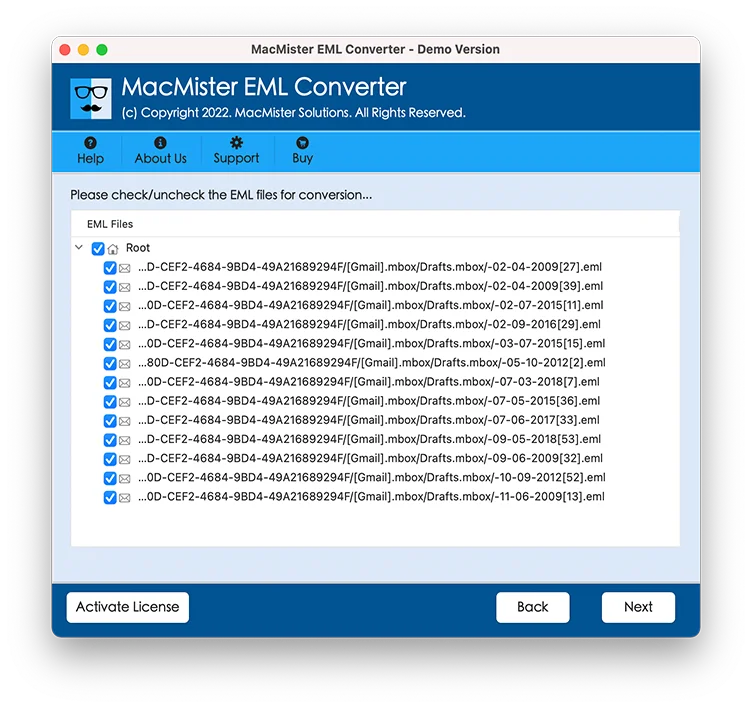
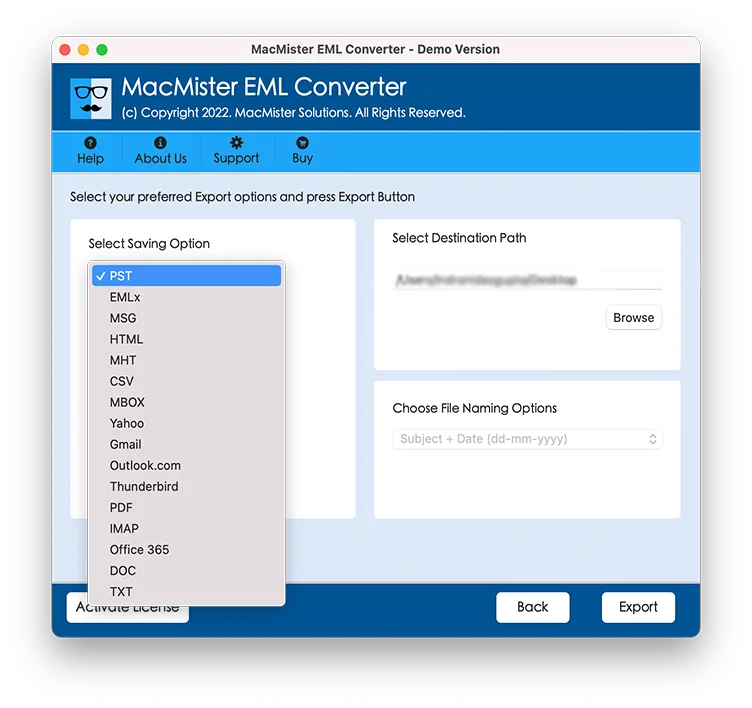
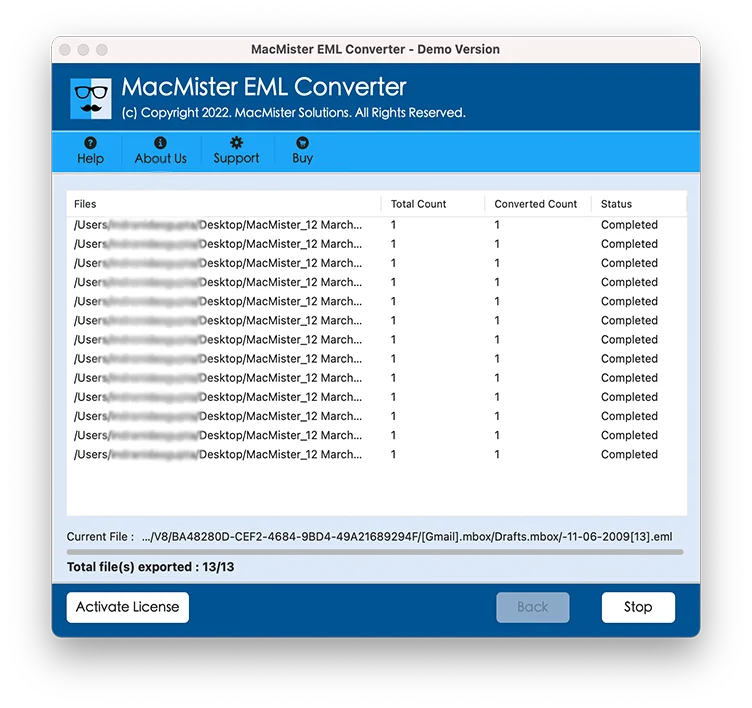
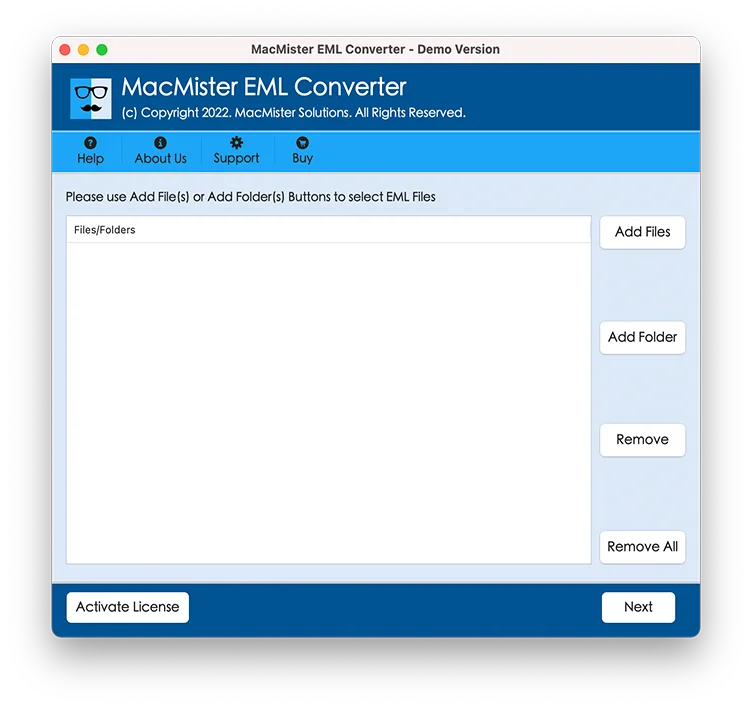
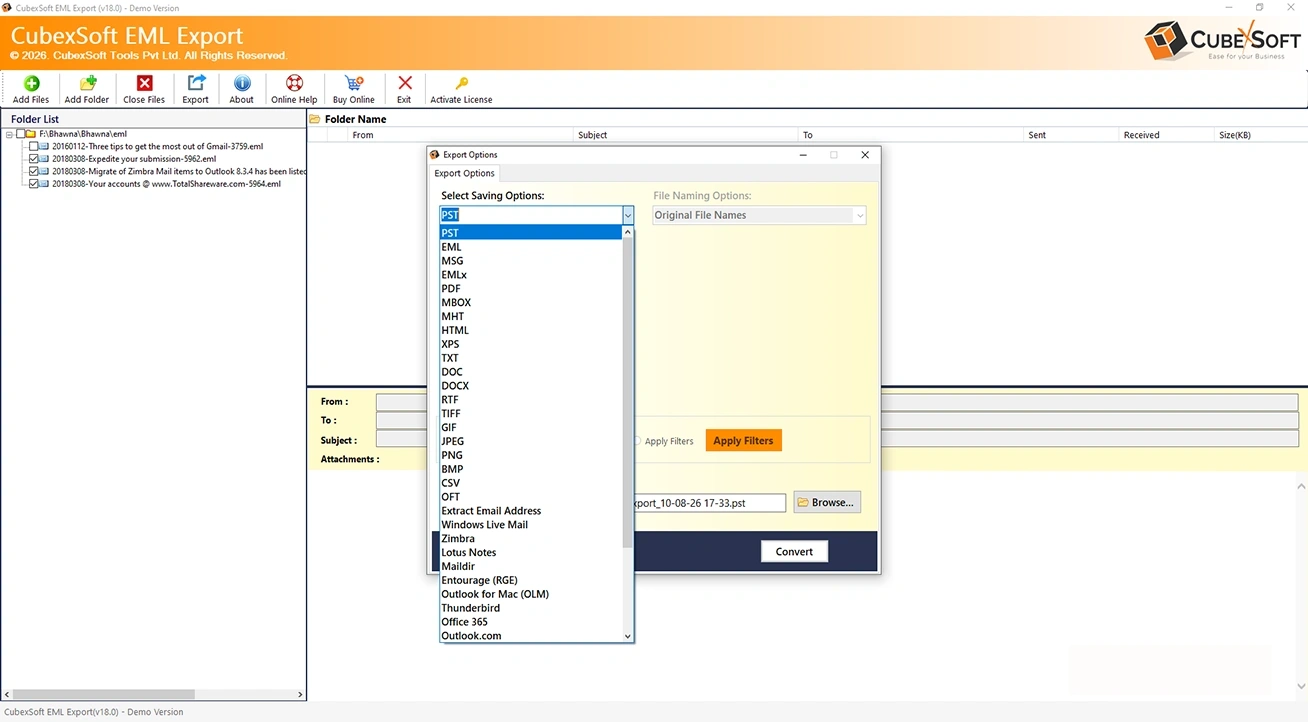
With the help of the application, one will be able to convert multiple EML files to PST. However, the process can be achieved by utilizing the Add Folder button. Users can simply create a new folder and keep all the necessary EML file or folders in the same. After this, one can use the Add Folder option and load the recent created folder on the tool. Now, the app will list all the EML files contained by that folder and allows to export all of them in a single time.